
APPLICATIONS / MANUFACTURER DIRECT
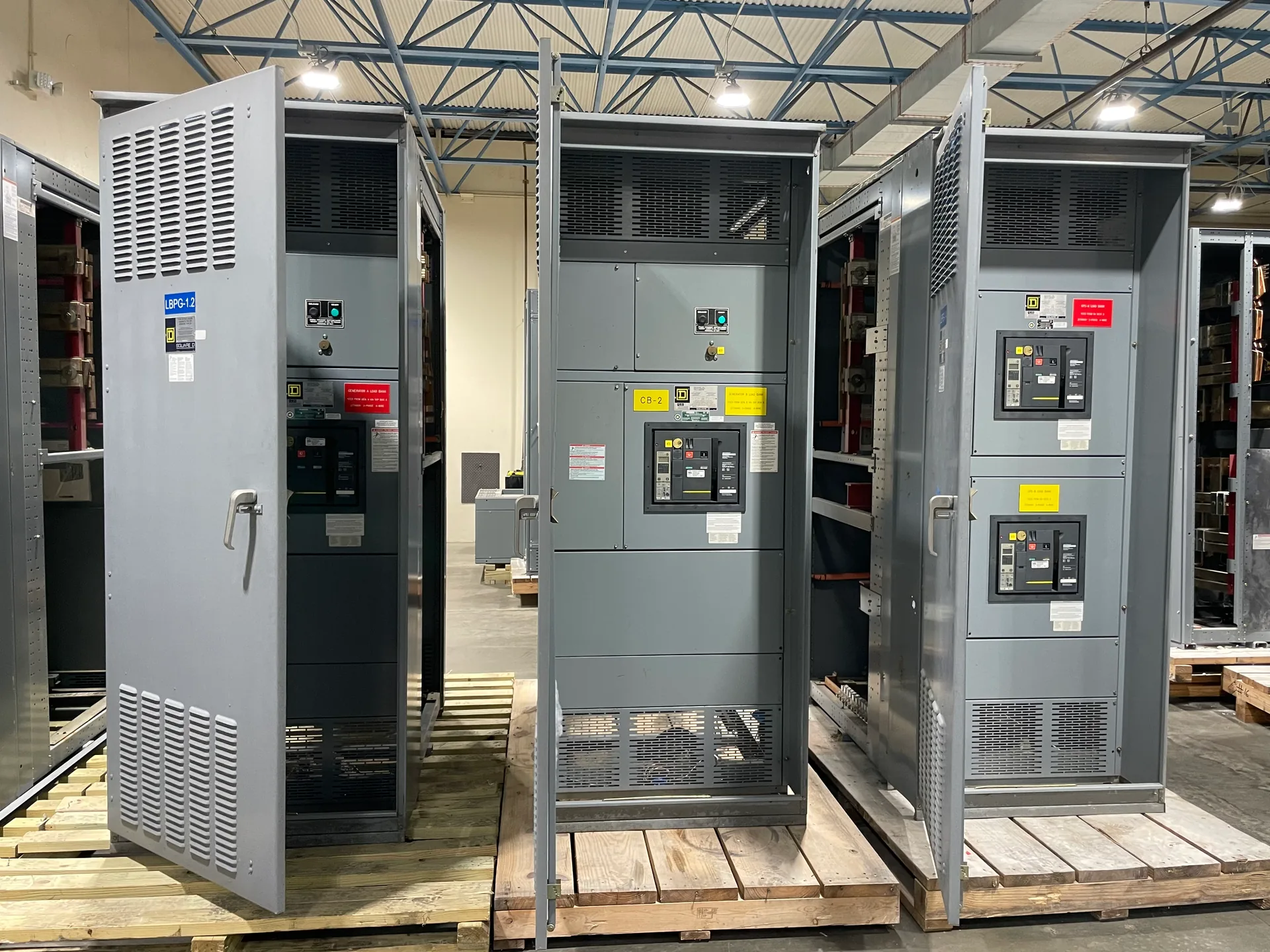
Campus power distribution starts with a map of buildings, sources, feeders, and operating priorities—not an assumed voltage or one-size-fits-all lineup. Switchgear Builder Virginia manufactures new, custom switchgear in the USA using all-American components, with nationwide shipping and short lead times subject to quote and verification. For a campus project, the useful first step is to define how power should move between service points and buildings, what must remain energized during planned work, and which design decisions still require engineering or utility review.
Map the campus
Begin with a one-line diagram that identifies each incoming source, main distribution point, feeder, and served building or load group. Add practical details such as approximate demand, distance, planned expansions, and which buildings have distinct operating schedules. This makes it easier to compare a centralized arrangement with distribution points closer to major loads, without assuming either is automatically better. A central lineup may simplify where operators monitor and isolate equipment, while multiple distribution points may make feeder routing or phased construction more manageable. The right balance depends on the electrical design, site constraints, operating plan, and applicable requirements. Switchgear Builder Virginia can build to project specifications, but the designer and project team must establish system architecture, ratings, and interfaces for review before equipment is quoted.
Define sources and isolation
List normal and alternate sources separately, and show how each is intended to connect to campus distribution. A project might involve a utility service, generators, or other specified sources, but their presence, capacity, and operating sequence must be confirmed rather than presumed. The design should make clear which equipment separates a source, feeder, or building section for planned maintenance or a fault response, and who is authorized to operate it. More points of isolation can support selective work, yet they also add equipment, controls, documentation, and operating decisions. Specify the boundaries each device is expected to serve and coordinate those choices with the electrical engineer and relevant parties. Do not rely on a product description alone to establish safe work procedures, switching steps, or approved operating conditions for the installed system.
Coordinate protection
Protection decisions need to reflect the connected sources, expected fault conditions, feeder paths, and equipment selected throughout the system. Ask the project engineer to define the coordination study basis and the intended response of upstream and downstream protective devices. The objective is not simply to choose a device with a larger rating: settings and device characteristics must be evaluated as a system, with available information verified for the actual installation. Campus layouts can include long feeders and multiple distribution levels, so assumptions made for one building may not transfer to another. Provide the equipment supplier with approved drawings, specified device requirements, and interface details; identify unresolved inputs rather than treating them as settled. Final selections, settings, ratings, and approvals remain subject to engineering review and the applicable project requirements.
Plan phased construction
When buildings or distribution sections are added in stages, define the intended sequence before equipment is finalized. Show which portions belong to the initial scope, which feeders or spaces are reserved for future work, and what information must be available before a later phase proceeds. Allowances for future capacity or physical space should be stated as design requirements and checked against the proposed equipment; they are not inherent features of a lineup. Also identify expected shutdown windows, temporary arrangements, access limits, and responsibility for commissioning or other field activities, as applicable. These details help buyers compare a compact initial solution with a layout designed around later expansion. They do not establish that existing energized equipment can be modified safely or that any particular construction sequence is approved. Confirm site conditions and work plans with qualified project professionals.
Prepare the specification
A useful request for quote includes the current one-line diagram, equipment schedule, source and feeder information, environmental conditions, required interfaces, and the project team's stated standards. Specify the intended function and rating for each section without assuming that a campus-wide voltage or rating applies everywhere. Clarify whether low-voltage switchboards are part of the scope; UL 891 applies only to applicable low-voltage switchboards, not medium- or high-voltage switchgear, and applicability should be verified for the specified assembly. Identify required documentation, inspection, testing, or approvals as project requirements for confirmation, not as assumed supplier capabilities. Switchgear Builder Virginia can review a defined scope for a custom new-equipment build. Lead time, ratings, configuration, and schedule are subject to quotation and verification, so coordinate procurement milestones with the project team.